Scheduling on-call shifts with GPT and mathematical optimization

Contents
- Overview of the steps
- Detailed walkthrough
- 1. Access the GPT
- 2. Enter the year and month and create data for Chouseisan
- 3. Paste into Chouseisan and collect preferred dates
- 4. Download and upload the responses
- 5. Automatically calculate on-call shifts and export to CSV
- 6. Fine-tune the schedule with repeated requests
- Closing thoughts
Creating on-call schedules in medical settings requires balancing complex constraints with staff preferences, placing a heavy burden on the person in charge.
To solve this problem, I used ChatGPT's GPTs feature to develop "Tochoku Chouseisan," an automated on-call shift scheduling GPT that integrates with the scheduling tool Chouseisan.
This GPT uses a tool for solving mathematical optimization problems called "PuLP[1] Optimization with PuLP — PuLP 2.8.0 documentation. Accessed May 28, 2024. https://coin-or.github.io/pulp/index.html ." Think of it as a reliable helper that calculates complex mathematical formulas for you.
Features
- Integration with Chouseisan: The system is designed to work seamlessly with Chouseisan [2]Chouseisan. https://chouseisan.com.
- Flexible constraint settings: You can set constraints such as "consecutive working days" and "monthly on-call shifts."
- Optimized shift generation: It automatically generates fair and optimal on-call shifts based on your specified constraints.
- Convenient CSV output: You can download the generated shift schedule in CSV format.
Overview of the steps
1. Access the "Tochoku Chouseisan" GPT.
2. Enter the year and month you want to schedule into the GPT to generate input data for Chouseisan.
3. Paste the input data into Chouseisan and have your staff enter their preferred dates.
4. Download the staff responses as a CSV file and upload it to the GPT.
5. The GPT automatically calculates the optimized on-call shift schedule and outputs it as a CSV file.
Detailed walkthrough
1. Access the GPT
https://chatgpt.com/g/g-gbRjWZViE-dang-zhi-diao-zheng-san
2. Enter the year and month and create data for Chouseisan
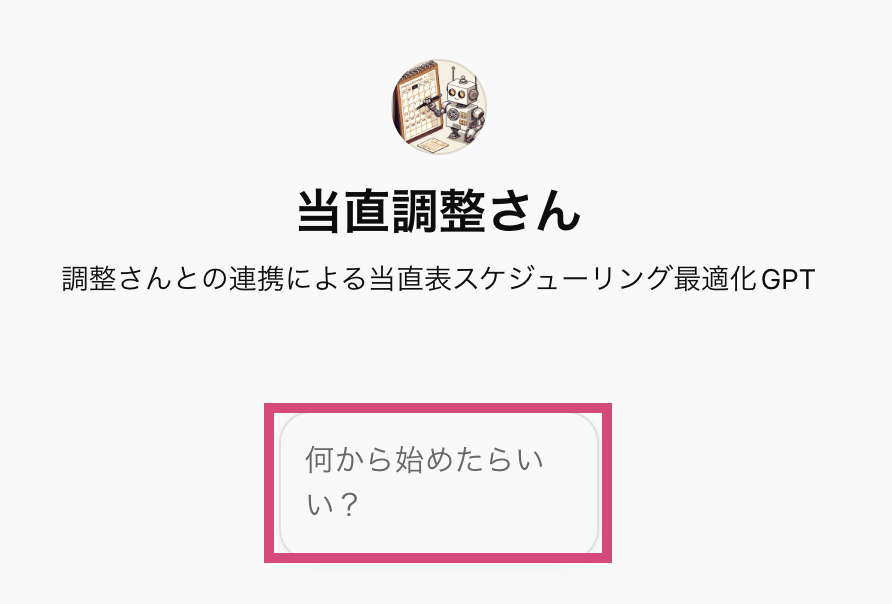
Click "Where should I start?" (何から始めたらいい?) to get an explanation of how to use the tool.

For example, suppose you want to create a schedule for July 2024. Tell Tochoku Chouseisan the year and month.
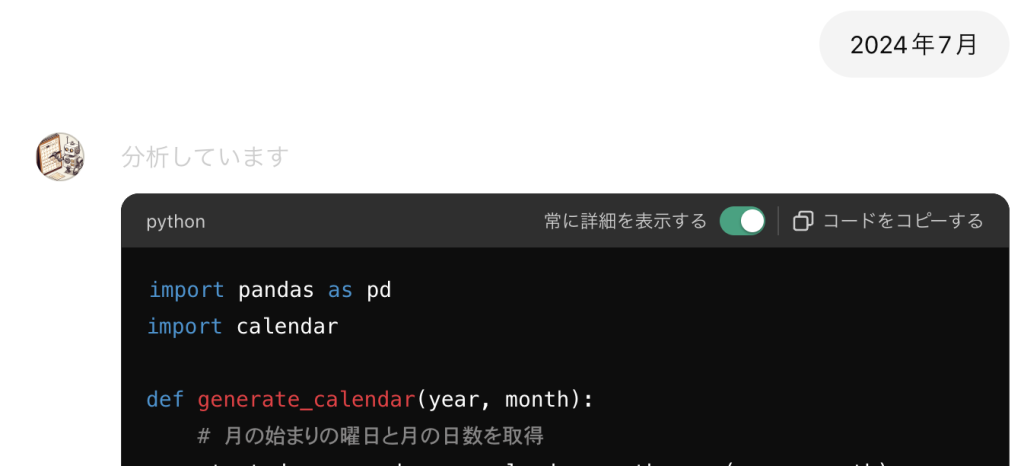
Tochoku Chouseisan will automatically run Python to generate a list of dates for July 2024.
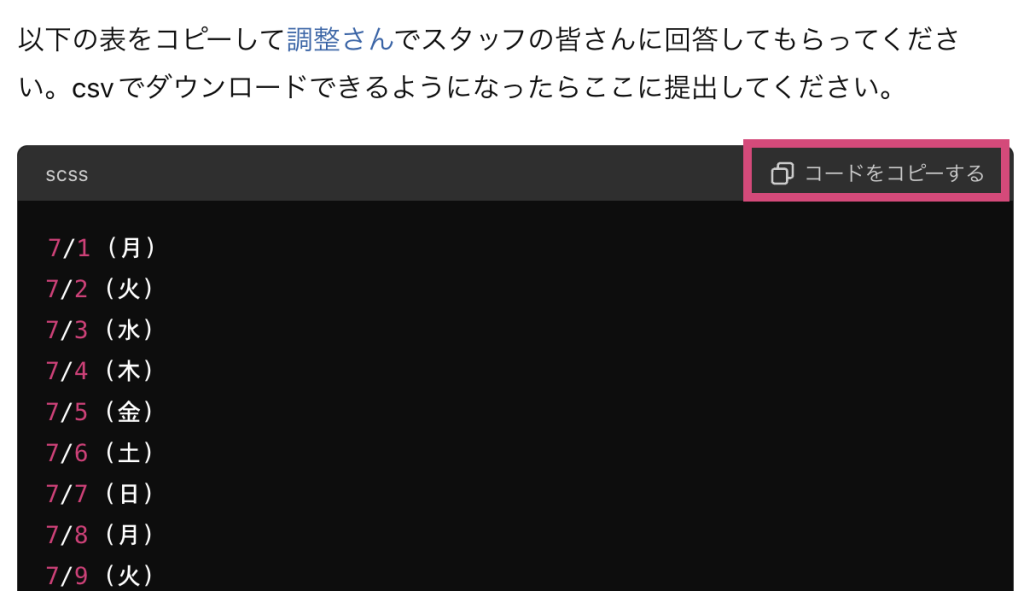
Copy the output using the "Copy code" button in the upper right corner.
3. Paste into Chouseisan and collect preferred dates
Go to Chouseisan.
Step 1: Enter the event name.
Step 2: Paste the text string you got from Tochoku Chouseisan into the area outlined in red.
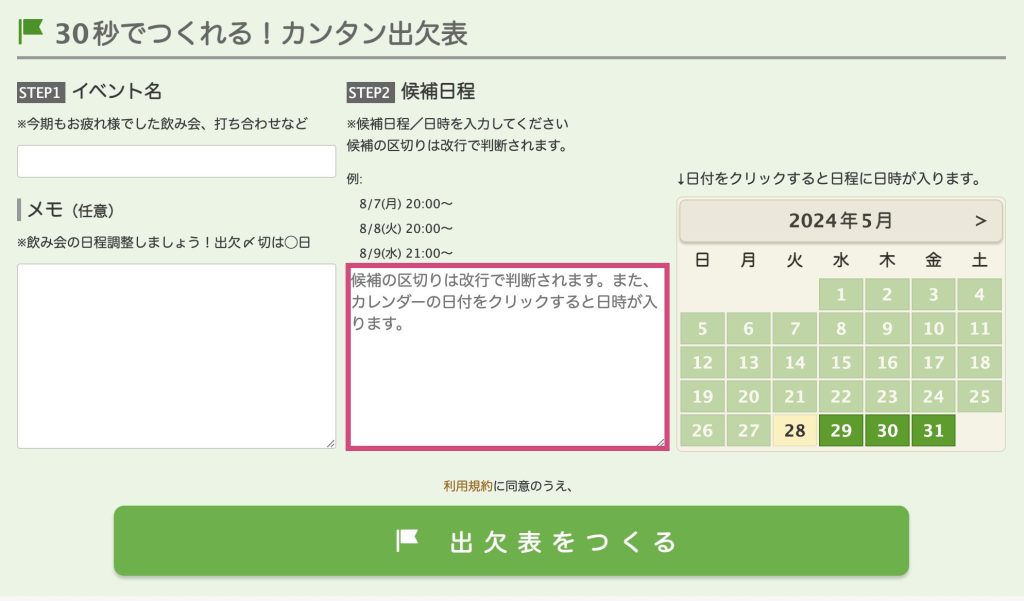
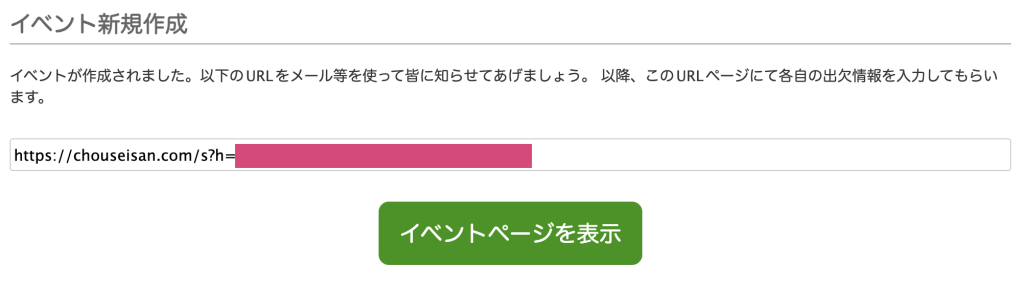
Step 3: Click "Create attendance table" (出欠表をつくる) to finish creating the scheduling poll. Share the generated URL with your staff and ask them to enter their availability.
4. Download and upload the responses
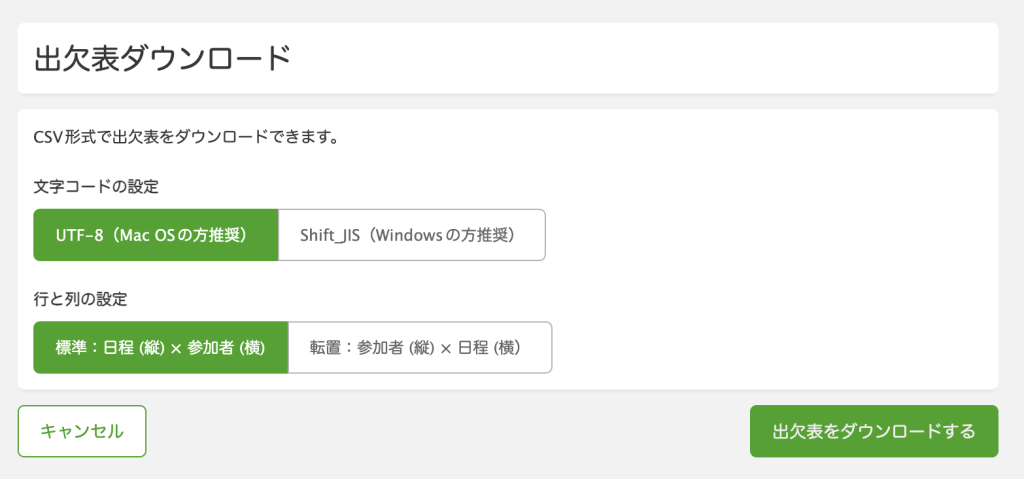
Download the CSV file by clicking "Download attendance table" (出欠表をダウンロードする) on the right side of the response screen.

Character encoding: UTF-8 is recommended, though either option works.
Row and column settings: Select the default "Standard: Dates (vertical) x Participants (horizontal)" (標準: 日程(縦) x 参加者 (横)).
Drag and drop the file to upload it to Tochoku Chouseisan.
5. Automatically calculate on-call shifts and export to CSV
If you want to run a test, try using this sample file.
Once you upload the file, the GPT will ask you to confirm the constraints as shown below.
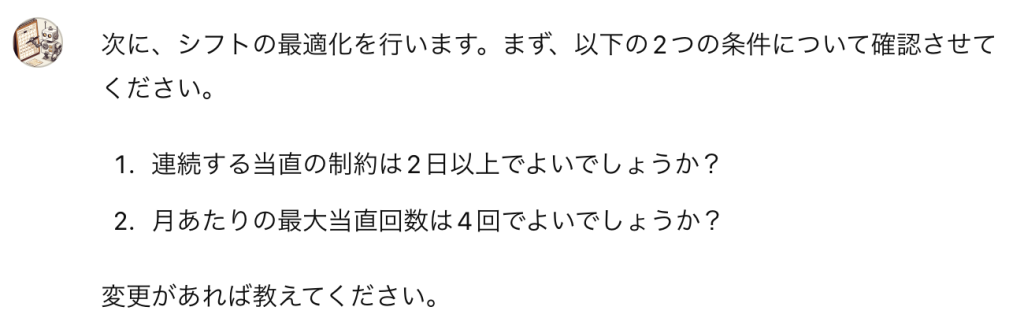
If you don't need any changes, reply "No changes" (変更なし); if you want to make changes, tell Tochoku Chouseisan your preferences for each item.
Next, the GPT will start installing PuLP, which is required for the optimization process. Because this happens only the first time, it will take a moment initially. From the next time onward, if you reuse this Tochoku Chouseisan thread from your chat history, you can start with PuLP already installed.
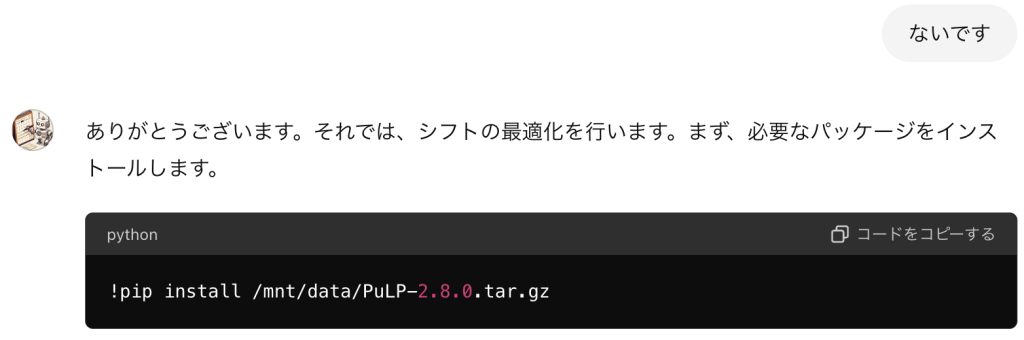
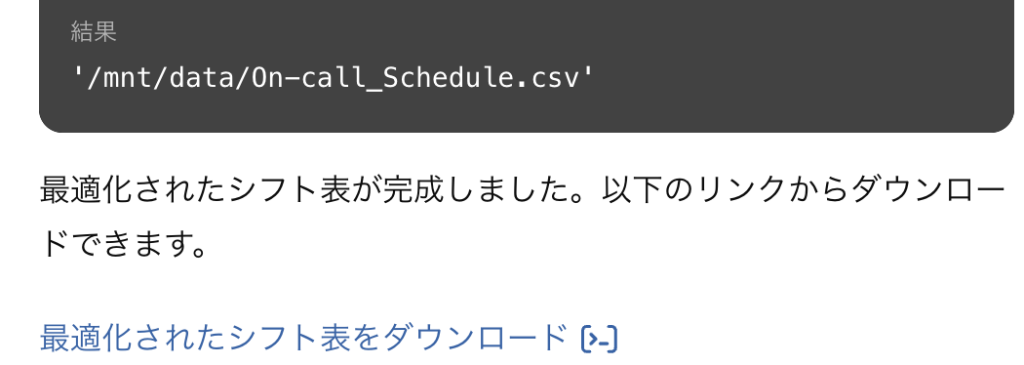
Once the PuLP installation finishes, the GPT automatically moves on to the next step. It calculates the optimized on-call shift schedule and outputs it as a CSV file.
6. Fine-tune the schedule with repeated requests
Here lies one of the main advantages of using a GPT. If you ask for minor adjustments, the GPT will modify the code accordingly and use PuLP to re-optimize and fine-tune the schedule.
- "Reduce Person D's on-call shifts to 2."
- "The interval between Person F's consecutive on-call shifts is too short, so make it longer."
It can handle requests like these, so keep asking until the schedule meets your needs.
Closing thoughts
By drawing on a mathematical optimization package, Tochoku Chouseisan seems capable of handling fine details that conventional text prompts alone struggled to manage.
I hope this tool lightens the burden of a task that has long caused headaches, helping you focus more on the work you actually want to do.
https://chatgpt.com/g/g-gbRjWZViE-dang-zhi-diao-zheng-san
References
| ↑1 | Optimization with PuLP — PuLP 2.8.0 documentation. Accessed May 28, 2024. https://coin-or.github.io/pulp/index.html |
|---|---|
| ↑2 | Chouseisan. https://chouseisan.com |