Making PowerPoint slides with AI (as of November 2026)
Contents
The moment you realize a slide deck was made by AI, you lose the will to read it. I hear this often, and I have felt it myself. I think the cause lies in how we ask AI for help. Before making slides, make the story of the talk. This article explains why and how, through to building slides in HTML and presenting them.
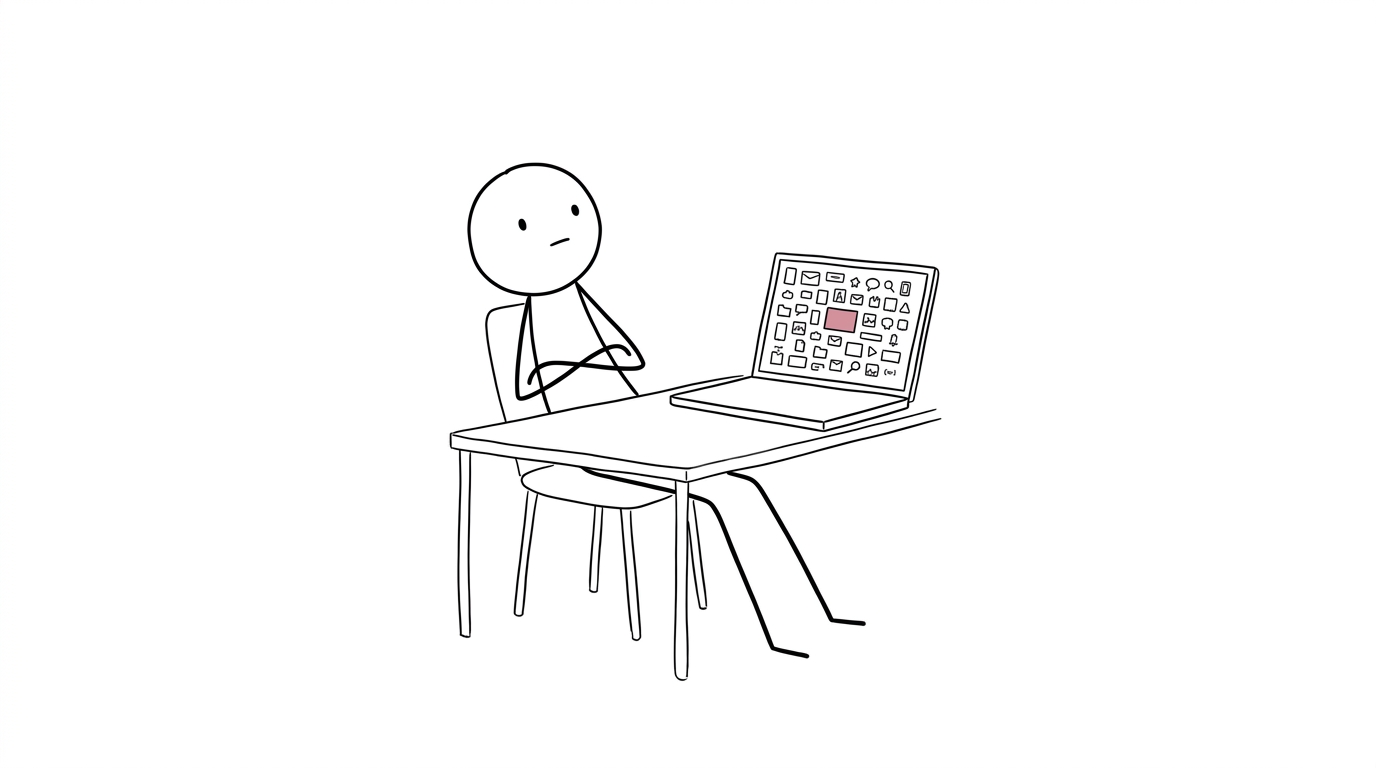
Labeled as AI-made, rated lower
When labels are hidden, people cannot tell human-made and AI-made works apart as well as they think. Even so, simply labeling a work “AI-made” lowers its rating. In six experiments with 2,965 participants in total, paintings labeled as AI-made were rated lower even when participants said they could not tell AI-made from human-made works1.
One clue is the effort heuristic. Instead of judging quality directly, people estimate value from how much effort went into a work. People told that a poem took 18 hours to write rated it higher than people told it took 4 hours2. In a study that randomly labeled AI-generated paintings as “made by a human” or “made by AI,” the paintings labeled human were preferred, and the gap was larger among people who sensed effort and a story behind the work3.
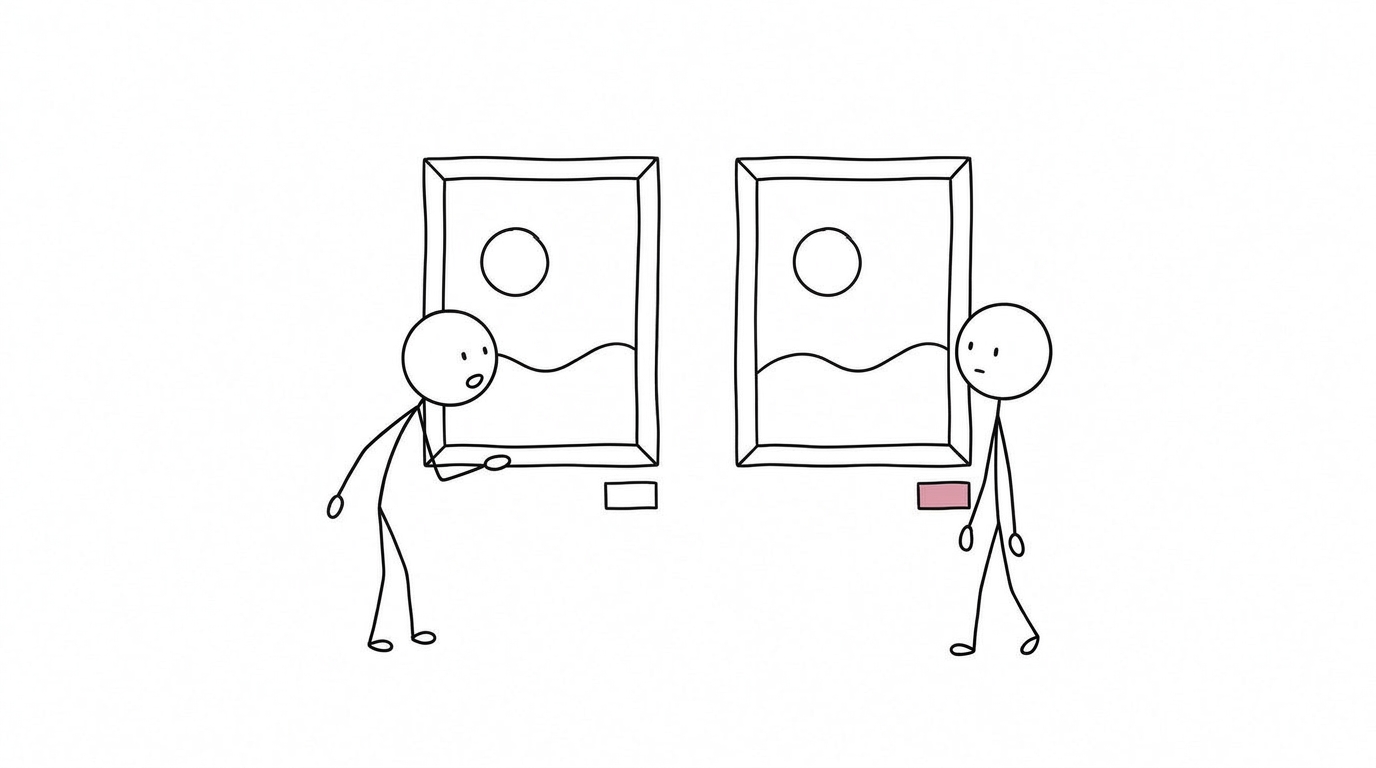
There is also the sense that “AI writing all looks the same.” Repeated exposure to the uniform structures and stock phrases common in AI output may lower our expectation of new information, so attention fades.
Readers decide that something is “not worth reading” before checking whether its content is correct. What is lost is the willingness to read.
Writing short takes time
In 1656, Pascal closed the sixteenth of his Provincial Letters with the line, “I have made this letter longer only because I have not had the time to make it shorter”4. The line is sometimes attributed to Goethe. A short letter comes from a long draft and the time to cut it down.
Presentations follow the same order. First, write a script that puts everything you will say into prose. It holds the facts you looked up, numbers and their sources, your own experience, and the flow of the argument. Keep your research notes and your exchanges with AI together with the script. Slides are then made by cutting the script down to fit the audience and the time, leaving only one message on each slide.
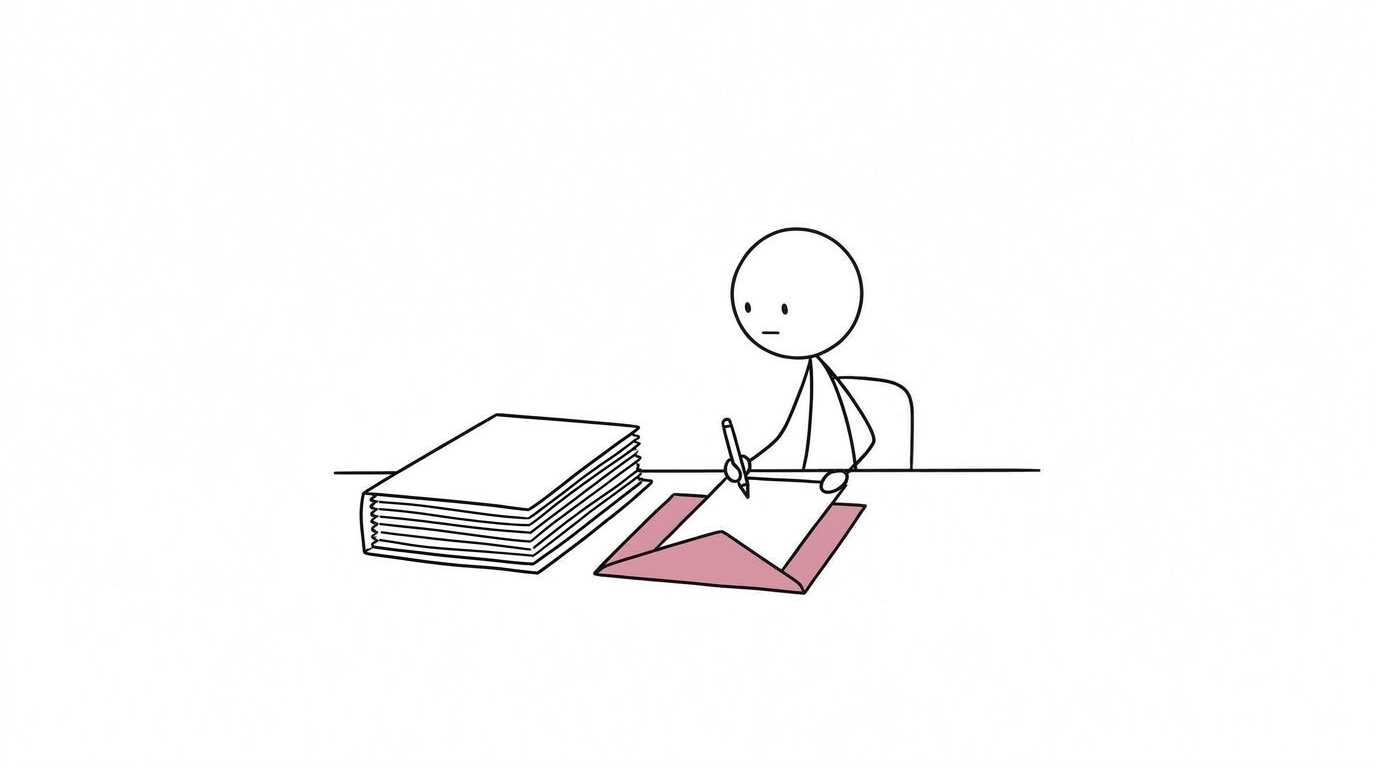
If you ask AI to “make slides” without a script, the AI has no text to cut down. It fills the content with safe generalities and arranges only an appearance of listed key points. This is how slides that look polished but say little are born. Decorative lines, dark bands, and familiar-sounding headings are added to polish that appearance.
| Tends to look AI-made | How to fix |
|---|---|
| Colored vertical lines on the left of boxes, shadows, rounded corners, large running numbers | Remove decorative lines; give boxes only a pale background |
| Dark bands at the top and bottom | Make the bands thin, or remove them |
| Bullet points crammed onto one slide | Split slides into one or two sentences each, in speaking order |
| Headings built on metaphors or coined names | Use short headings that say what is covered |
| Generic examples with no clear subject | Use documents the audience writes every day, or scenes they actually meet |
Make the story first
This order has long been recommended. In Beyond Bullet Points (2005), Cliff Atkinson wrote that the most important thing for improving a presentation is to have a story to tell before you start working on a PowerPoint file5. The section containing this passage is titled “Writing a Script to Focus Your Ideas”—in other words, writing a script. Garr Reynolds’ Presentation Zen likewise says to begin planning with paper and pencil, and treats slides as support for the story6.
A presentation exists to deliver a message you have thought through to other people. If you only want to learn something yourself, you do not have to make slides. If you want others to learn freely, you can simply hand them the script. Story and slides become necessary when you have a message to deliver.
GuideIf you have a message to deliver, give a presentation. If not, reconsider the format itself
John Keller’s ARCS model from instructional design is useful for checking the story7. It is a framework for designing motivation from four perspectives; once the script is written, have AI check it from these four perspectives. Audience attention is also said to drop after about ten minutes, so build the talk so that a concrete number or case comes at least once every ten minutes8.
| Perspective | Will the audience think this? |
|---|---|
| Attention | “This looks interesting”Curiosity, being drawn in |
| Relevance | “This will be useful to me”Pressing for me, useful later |
| Confidence | “I could do this too”Let me try |
| Satisfaction | “I’m glad I did this”Glad I came, glad I listened |
How to useOnce the script is written, have AI check it from these four perspectives
There are also experiments comparing ways of making slides. With the same narration, slides with a heading and bullet points were compared with slides carrying only a one-sentence assertion and evidence such as a figure; the latter led to better comprehension of complex content and better recall about a week later9. Another study found that people remembered an explanation better when short key points were placed near the figure10. Slides are made as evidence supporting the logic of the talk. That requires the logic of the talk—the script—to come first.
SoThe logic of the talk—the script—has to come first
Steps starting from the script
- Write the scriptUse your own experience and cases as material and refine it in dialogue with AI. Check it with ARCS and with a high point every ten minutes
- Cut the script down into slidesFit your own template, one message per slide
RolesYou can consult AI on outlines and clean copies. Decide yourself what to tell whom and why, and which option to adopt
First, write the script before the slides. Once it is in prose, you can check with your own eyes everything from the flow of the argument to the examples and word choice. A bulleted slide outline hides how thin the content is. Give your own experience and cases to AI as material, and refine the text through dialogue.
Once the script is settled, cut it down into slides. If AI builds slides from scratch, everyone gets slides with the same face. If you hand over slides or templates you have made before and specify “in this format, in this tone,” the work gets faster while your own style stays intact.
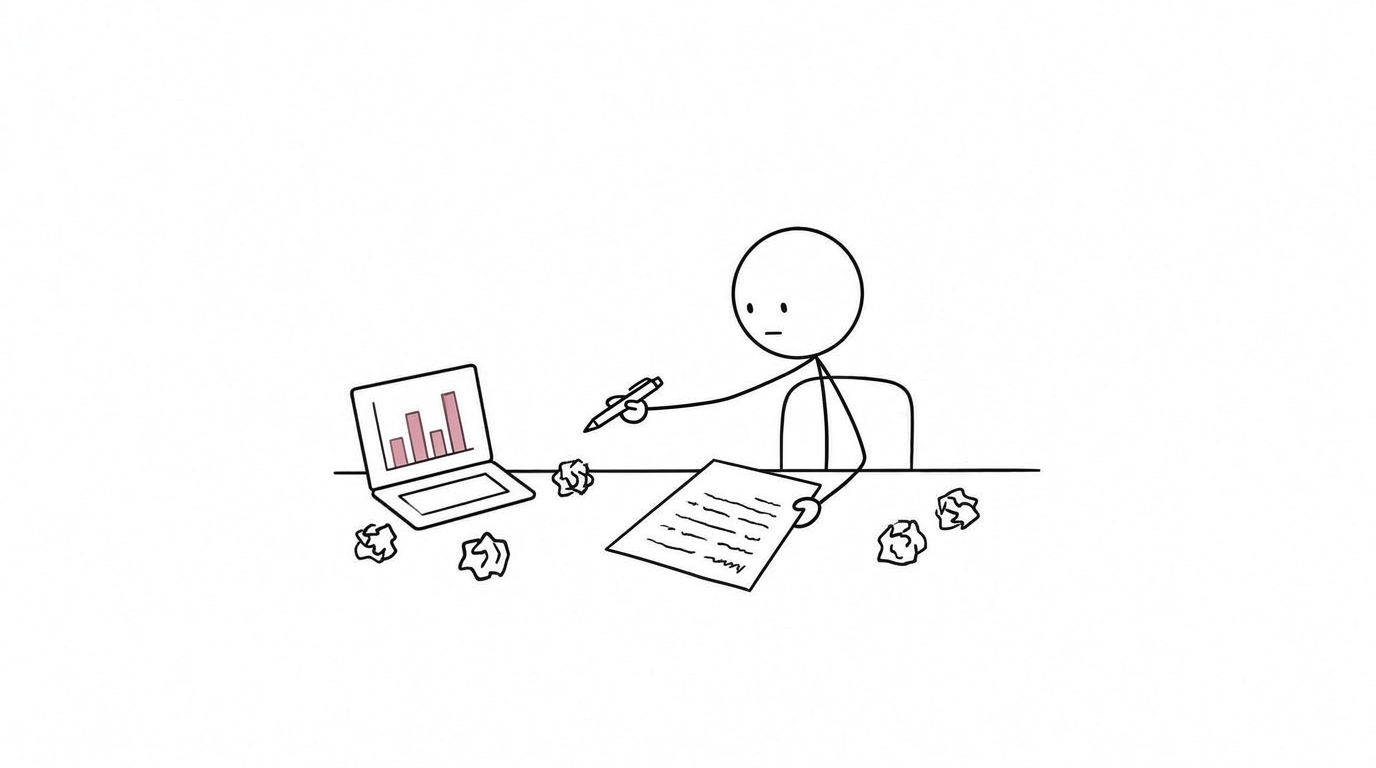
When headings come out AI-like
Even when you hand over a script and have AI make the slides, headings can come out AI-like: short sentences with a built-in contrast, such as “X went down. But Y is open.” I think the main cause is that when AI splits the story into slides, it compresses the content of each paragraph. While squeezing what you want to say into the length of a heading, the who and what drop out, and a single vague word is all that remains.
Fix such headings directly on the slide. You can also use yomiyasu, a public tool for spotting AI-like Japanese, to fix them (AI-like Japanese, and yomiyasu for fixing it without changing the meaning). For any heading that feels wrong for the story, always check it with your own eyes until you are satisfied.
Making slides in HTML
I make my slides in HTML through to the final version, even for conference talks. I convert to PowerPoint for submission or to PDF for posters only at the end, and where I can project from my own computer, I project the HTML as is.
In HTML, each slide is written as one 1600×900-pixel block, and the script for that part is placed alongside the heading, text, and figures. Because the script and the slides sit in the same file, when you revise the script you can see right away which slide to revise. Numbers are entered directly from papers and tables, and figures are redrawn at the size they will be shown. Where you want elements to appear one by one in speaking order, you write down the display order.
My own presenter tool lives in the same HTML file. Press P while projecting, and a presenter view opens in a separate window, linked to the audience’s screen. A version with the slide content replaced by a sample is public on GitHub (html-deck-presenter, demo). To use it for your own slides, give this GitHub URL to the AI you use.
The key operations and the presenter view opened with the P key are covered in an introductory video (Japanese narration).
The narration is synthesized speech, using the “Ayaka” voice from the ElevenLabs voice library and the Eleven v4 speech model.
Below, each sample slide is shown as a video of how it moves when advanced with the arrow keys.


Before finishing, check for overflow. Opening the URL with a check option lists slides whose text overflows its frame. I check the wording with yomiyasu.
Converting to PowerPoint and PDF
Conversion to submission formats comes last. Because conversion works from what the browser renders, the layout you saw in HTML is preserved.
| Format | How it is made and when to use it |
|---|---|
| Printed from the browser. Text is embedded as textHandouts, posters | |
| Editable PowerPoint | Text is rebuilt as text boxes and boxes as shapes. The script goes into the speaker notesSubmissions where the organizers need to edit text |
| Animated PowerPoint | Standard PowerPoint animations are applied to an image of each element. Slides build automatically and videos play automaticallyTalks projected from the venue’s computer. Text is an image, so revisions are made from the HTML |
With HTML as the source, even when you correct a number, reconverting gives you all three formats. Editing in PowerPoint creates mismatches with the HTML, so revisions are always made on the HTML side.
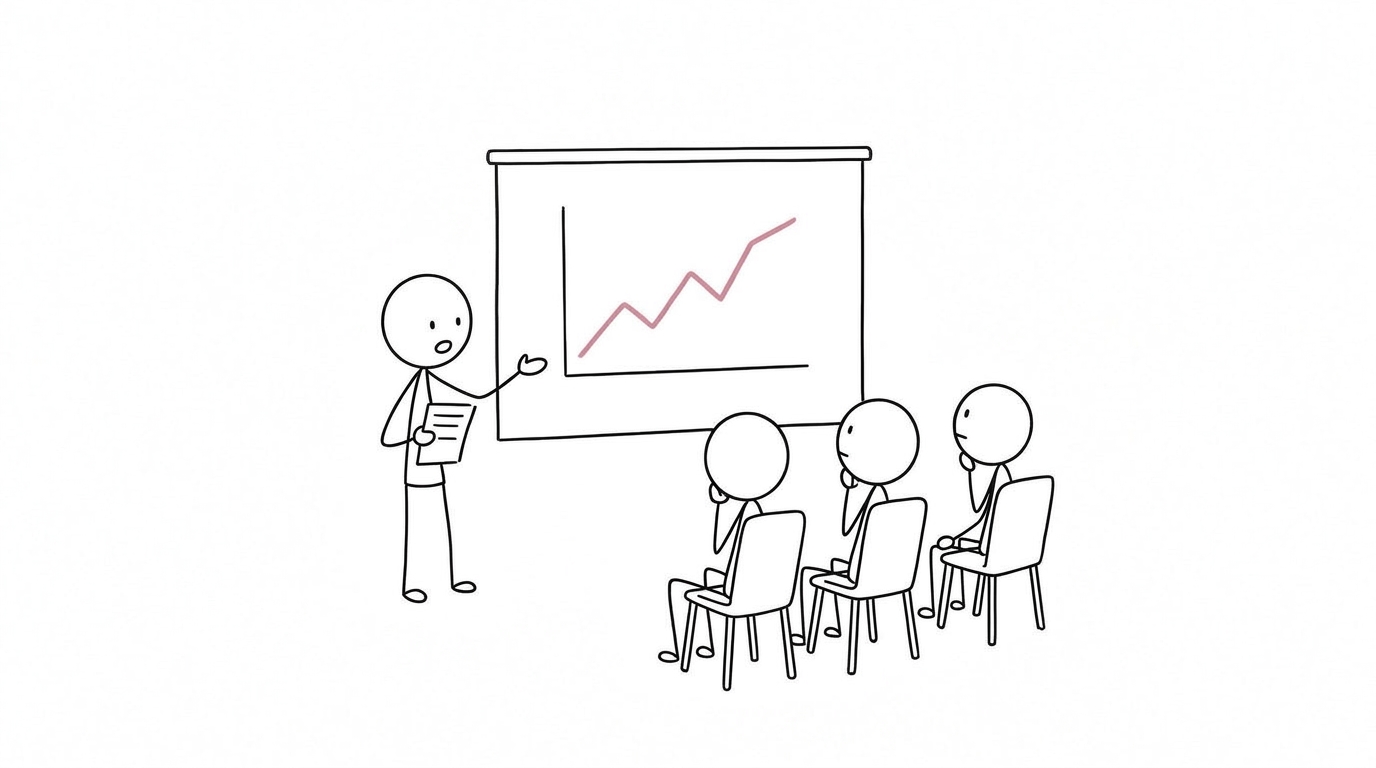
Making what matters easier to get across
The aim is to make what you consider important easier for the audience to grasp. You write the script first to decide for yourself what is important. You cut slides down to one message each to make those important points stand out.
Consulting on outlines, producing clean copies, and converting formats can be left to AI. Use the time saved to think about what to keep and what to cut. If you are clear about what you want to convey, your talk will reach the audience even when AI polishes the look of the slides.
References
- Horton CB Jr, White MW, Iyengar SS. Bias against AI art can enhance perceptions of human creativity. Sci Rep. 2023;13:19001. https://doi.org/10.1038/s41598-023-45202-3
- Kruger J, Wirtz D, Van Boven L, Altermatt TW. The effort heuristic. J Exp Soc Psychol. 2004;40(1):91-98. https://doi.org/10.1016/S0022-1031(03)00065-9
- Bellaiche L, Shahi R, Turpin MH, et al. Humans versus AI: whether and why we prefer human-created compared to AI-created artwork. Cogn Res Princ Implic. 2023;8:42. https://doi.org/10.1186/s41235-023-00499-6
- Pascal B. Les Provinciales, seizième lettre (4 décembre 1656). Translation of the quoted line is the author’s.
- Atkinson C. Beyond Bullet Points: Using Microsoft PowerPoint to Create Presentations That Inform, Motivate, and Inspire. Redmond: Microsoft Press; 2005.
- Reynolds G. Presentation Zen: Simple Ideas on Presentation Design and Delivery. Berkeley: New Riders; 2008.
- Keller JM. Development and use of the ARCS model of instructional design. J Instr Dev. 1987;10(3):2-10. https://doi.org/10.1007/BF02905780
- Medina J. Brain Rules: 12 Principles for Surviving and Thriving at Work, Home, and School. Seattle: Pear Press; 2008.
- Garner JK, Alley M, Sawarynski LE, Wolfe KL, Zappe SE. Assertion-evidence slides appear to lead to better comprehension and recall of more complex concepts. 2011 ASEE Annual Conference & Exposition. https://doi.org/10.18260/1-2--17510
- Mayer RE, Johnson CI. Revising the redundancy principle in multimedia learning. J Educ Psychol. 2008;100(2):380-386. https://doi.org/10.1037/0022-0663.100.2.380